
Written by:
Jacksons Moving
Published:
September 28, 2026
Moving a home office? Learn how to protect your electronics, cables, and files while keeping your workday running with minimal downtime.
If you work from home, moving day is not just about relocating furniture. It is about relocating the exact setup that lets you clock in and get paid, and doing it without your monitor arriving cracked or your router cable ending up in a box labeled "kitchen." Learning how to move a home office means treating your desk, computer, and cables as their own category of move, separate from the rest of the house, with a plan for staying productive before, during, and after the transition.
This guide walks through how to prepare your equipment, what to pack first versus last, how to keep your business running with as little disruption as possible, and how to get your new space functional again quickly.
Start by backing up your data and photographing your current setup before you touch a single cable. This gives you a safety net if a drive fails in transit and a visual reference for reconnecting everything correctly later.
Back up important files to an external drive or cloud storage at least a few days ahead, not the night before. If you rely on cloud sync, confirm large folders have actually finished uploading, since a half-synced backup is not a real backup. Take a few phone photos of your desk setup from different angles, including how cables run behind the monitor and where your surge protector sits. Small details like this save real time when you are reassembling in a new room and cannot remember which port the second monitor used.
It also helps to do a quick inventory of what actually needs to move versus what can be replaced. Old cables, dead batteries, and accessories you have not used in a year are worth tossing before the move rather than after.
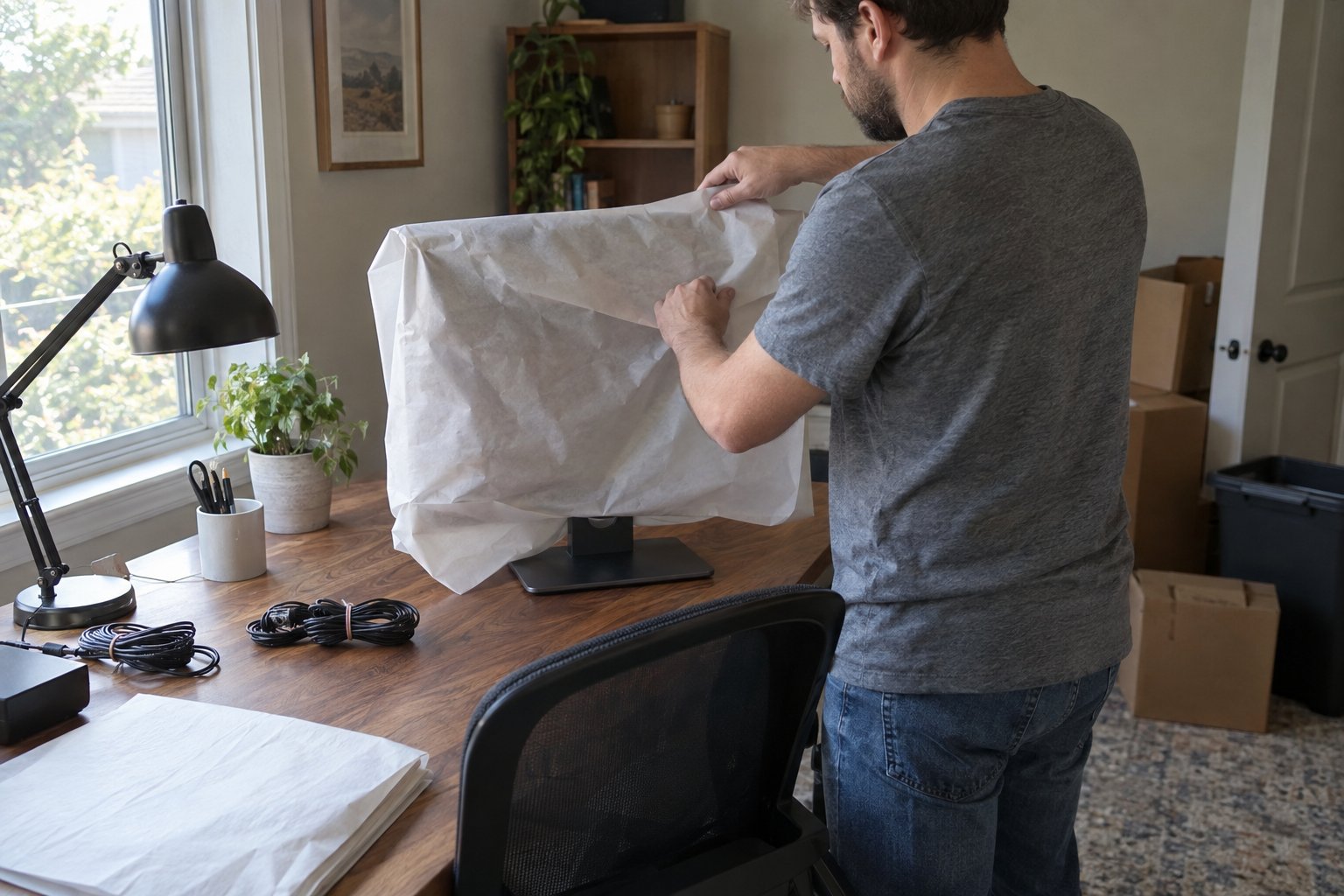
Computers and monitors travel best in their original boxes if you kept them, or in sturdy double-walled boxes with at least two inches of padding on every side. Screens are the most fragile part of any home office and deserve more protection than a stack of towels.
If you no longer have the original packaging, wrap monitors in a moving blanket or bubble wrap, then stand them upright in a box rather than laying them flat, which reduces pressure on the screen. Desktop towers should be packed upright as well, with foam or crumpled paper filling any empty space so components cannot shift during transport. Laptops travel safest in a padded laptop bag carried with you rather than loaded onto the truck, since they are compact enough to keep close and expensive enough to justify the extra caution.
Before packing anything, remove any external drives, USB dongles, or memory cards and pack them separately in a small labeled pouch. These are easy to lose in a big move and painful to replace if they hold irreplaceable files.
Take a photo of each cable connection before you unplug it, then bag cables by device rather than by type. A gallon bag labeled "monitor 1: power, HDMI, USB hub" saves far more time on setup day than a single bin of tangled cords sorted by color.
Use painter's tape and a marker to label both ends of any cable that is not obviously one-directional, especially with multi-monitor setups or specialized peripherals like graphics tablets and audio interfaces. It feels excessive in the moment, but it turns a 45-minute reconnection puzzle into a 10-minute task.
The key to minimizing downtime is packing your workspace last and unpacking it first, treating it as its own mini-move within the larger one. Most remote workers can realistically keep working up until the day before the move and get back online within a day of arriving.
Plan to keep your laptop, charger, a notepad, and any daily-use peripherals in a separate bag that never goes on the truck. This becomes your "go bag" for the transition period, whether that means working from a coffee shop for a day or setting up a temporary station in an empty room. If you have client calls or deadlines scheduled around your move date, block out a buffer day on either side rather than assuming you will be fully set up by the next morning. Internet installation at a new address can take longer than expected, so check with your provider about transfer timing well before the move rather than the week of.
For larger home offices with heavy furniture like standing desks, filing cabinets, or bookshelves full of reference material, this is where having movers handle the bulky items frees you up to focus on the equipment you want to manage personally. Our furniture moving service handles the disassembly and safe transport of desks, cabinets, and shelving so you are not lifting a 100-pound sit-stand desk on top of everything else.
Unpack your office equipment before almost anything else in the house, ideally within the first day, so you are not scrambling to find a monitor cable while unread emails pile up. A functional workspace early on also gives you a quiet place to manage the rest of the unpacking from.
Set up your desk near a window if natural light matters to your work, but away from direct afternoon sun that can overheat electronics or wash out your screen, which matters more than usual in a Phoenix-area home. Test your internet connection and run a speed check before assuming everything is working, since walls, distance from the router, and building materials in a new home can affect signal in ways your old place never did. Reconnect cables using your reference photos, and resist the urge to leave anything "for later," since a half-set-up office tends to stay that way for weeks.
If your move covers a longer distance and you are relocating your entire household along with the office, our long-distance moving service can coordinate timing so your equipment and furniture arrive together rather than in separate shipments that leave you working off a laptop balanced on a box for a week.
Small, light items like a desk lamp or keyboard tray are easy enough to move yourself, but heavier furniture and multi-monitor setups benefit from professional handling to avoid injury or damage. The right call usually comes down to what you are moving and how much risk you are willing to take with equipment that keeps your income running.
A standing desk with a motorized base, a multi-drawer filing cabinet full of documents, or a bookshelf loaded with reference materials are all heavier and more awkward than they look, and they are exactly the kind of items that cause back injuries or door-frame damage when handled without the right technique. If your home office is part of a larger residential move, our residential moving services team can pack and transport both your workspace and the rest of your home in a single coordinated visit, which also reduces the number of days your equipment sits in transit.
For those in the Chandler area planning a move that includes a home office setup, our Chandler moving company team can walk through your specific equipment needs during a quote call and flag anything that needs special handling ahead of time.
Ready to get your home office moved without missing a workday? Get a moving quote and let us know about any specialty equipment so we can plan accordingly.
Aim to complete a full backup at least three to five days before moving day. This gives cloud syncs time to finish and gives you a chance to verify the backup actually worked before your equipment is packed away.
Yes, as long as it is packed upright in a padded box with cushioning on all sides. Avoid laying it flat or stacking heavy items on top of it, and keep it away from truck walls where temperature swings are more extreme.
Carry your laptop with you in a padded bag rather than placing it on the moving truck. It is compact enough to keep in your vehicle and too valuable, both financially and in terms of stored data, to risk with the rest of the shipment.
Bag cables by device rather than by type, and label both ends of anything that is not obviously one-directional. Taking a quick photo of each connection before unplugging also makes reassembly much faster.
Most people can have their core setup, desk, computer, and internet, working within a day if the equipment is packed and unpacked first. Full organization, like filing paperwork or arranging shelves, often takes a few extra days.
Read genuine feedback from our satisfied customers to understand why we are the trusted choice for moving services.
From Phoenix to communities across the Valley, Jackson's Moving is here when you need residential, commercial, or long-distance moving services. Request your free quote today.